What a Month – Celebrating May National Tennis month!!!!
The LCTA BOD team had so much fun spreading the joy throughout the Lowcountry with:
- 4 Pizza Tri-Level watch parties
- 15+ Pop Up Events where Board members gifted tennis balls and gift cards to players.
- 3 National Tennis Month Proclamations were read at town/city council meetings.
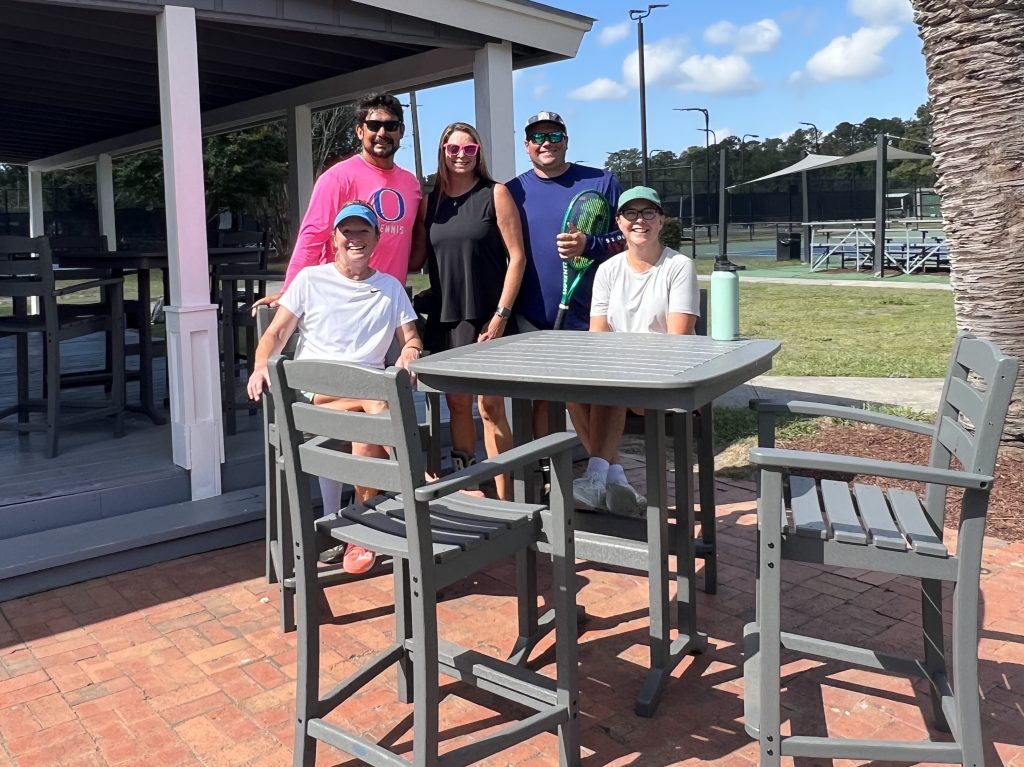
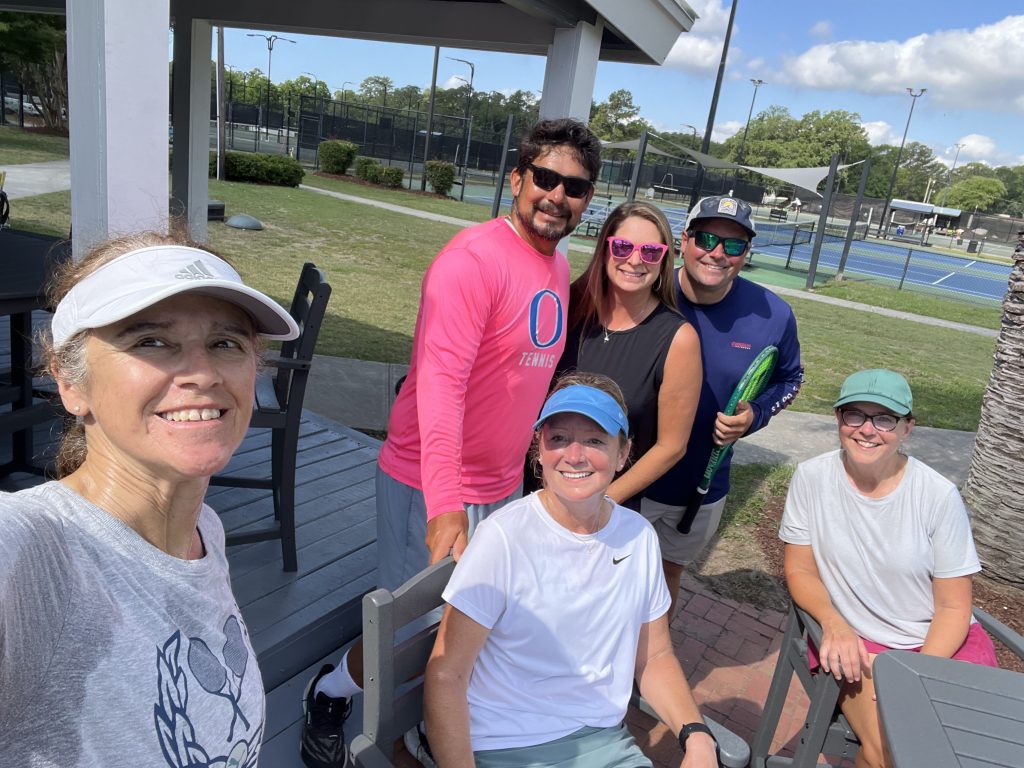
LCTA Donates Tables to Snee Farm
Snee Farm is the latest recipient of the LCTA Facility Improvement Fund.
Check out the new slate gray polywood tables and chairs when you’re there.

We have over 48 Teams that we are Sending to States!
18 and Over Women
2.5 LCTA18/Jackson-McGee/I’On Stacey Jackson-McGee CHAMPION
2.5 LCTA18/Frailey/LTP-DI Kathryn Frailey FINALIST
2.5 LCTA18/McIntrye/CTC Kristi McIntyre RUNNER UP
3.0 LCTA18/Richardson/MPR Danielle Richardson CHAMPION
3.0 LCTA18/Farmer/CTC Rachel Farmer FINALIST
3.0 LCTA18/McLaughlin/DIC Jackie McLaughlin & Ann Harrah RUNNER UP
3.5 LCTA18/Pernell/MPR Diane Pernell CHAMPION
3.5 LCTA18/Trost/DIC Julie Trost FINALIST
3.5 LCTA18/Sass/Creekside Sarah Sass RUNNER UP
4.0 LCTA18/Leahy/I’On Stephanie Leahy CHAMPION
4.0 LCTA18/Smoak/CTC Shannon Smoak FINALIST
4.5 LCTA18/Kryder/LTPDI Alice Kryder CHAMPION
18 and Over Men
2.5 LCTA18/Colley/Maybank Ryan Colley CHAMPION
3.0 LCTA18/Rogers-Spell/DannyJones Grady Rogers CHAMPION
3.0 LCTA18/Sweet/Maybank Michael Sweet FINALIST
3.5 LCTA18/Edwards/CTC Eli Edwards CHAMPION
3.5 LCTA18/Howle/MPR Steven Howle FINALIST
4.0 LCTA18/Merlino/CTC Richard Merlino CHAMPION
4.5 LCTA18/Crouch/I’ON Bo Crouch CHAMPION
40 and Over Women
2.5 LCTA40/Jacoud-Howard/I’On Adriana Jacoud CHAMPION
3.0 LCTA40/Shira/Maybank Allison Shira CHAMPION
3.0 LCTA40/Smith-Hildreth/Snee Farm Jennifer Smith FINALIST
3.0 LCTA40/Wright/Hamlin Frances Wright RUNNER UP
3.5 LCTA40/DANIEL/MPR Crystal Daniel CHAMPION
3.5 LCTA40/Foley/Creekside Jerri Foley FINALIST
3.5 LCTA40/Hopkins/MPR Betsy Hopkins RUNNER UP
4.0 LCTA40/Kronsberg/Maybank Corene Kronsberg CHAMPION
4.0 LCTA40/Rivers-Ronk/Creekside Laura Rivers & Lauren Ronk FINALIST
4.5 LCTA40/Elliott/LTPDI Maria Elliott CHAMPION
40 and Over Men
3.0 LCTA40/Maize-Blankenship/Snee Farm John Maize CHAMPION
3.5 LCTA40/Tyner-Keiper/Maybank Lance Tyner CHAMPION
3.5 LCTA40/Howle/MPR Steven Howle FINALIST
4.0 LCTA40/Hauser/MPR Michael Hauser CHAMPION
4.5 LCTA40/Shelley/MPR William Shelley CHAMPION
55 and Over Women
2.5 LCTA55/Carr/Independent Pamela Carr CHAMPTION
3.0 LCTA55/Gilsenan/DIC Camila Gilsenan CHAMPION
3.0 LCTA55/Parrott/Wild Dunes Dawn Parrott FINALIST
3.5 LCTA55/Raines/Wild Dunes Kim Raines CHAMPION
3.5 LCTA55/MacKall/Doty Park Faye MacKall FINALIST
4.0 LCTA55/Glaz/LTP-DI Doris Glaz CHAMPION
9.0 LCTA55/Elliott/LTPDI Maria Elliott CHAMPION
55 and Over Men
3.0 LCTA55/Lanphear/LTPDI David Lanphear CHAMPION
3.5 LCTA55/Wespy/Collins Park Tony Wespy CHAMPION
4.0 LCTA55/Pettersen/MPR Frank Pettersen CHAMPION
9.0 LCTA55/McKay/Wild Dunes Fred McKay CHAMPION
70 and Over Women
3.0 LCTA70/Sawyer/CTC Kay Sawyer CHAMPION
3.5 LCTA70/Kiggins/Snee Farm Penny Kiggans CHAMPION
4.0 LCTA70/Williamson/Independent Becky Williamson CHAMPION
70 and Over Men
3.5 LCTA70/Peiffer/LTPDI Bob Peiffer CHAMPION
Good luck everyone and thanks for a wonderful spring season!!
Reminder – Combo Doubles Registration is Now Open!!
Registration ends on: 6/21/2026.
Play begins on: 7/6/2026
Mixed Doubles Championships Dates:
18 and Over – 3.0 and 3.5 June 29th, June 30th and July 1st
40 and Over – 3.0 and 3.5 July 6th, 7th, and 8th
Don’t forget to recognize our local tennis heroes – click here to nominate
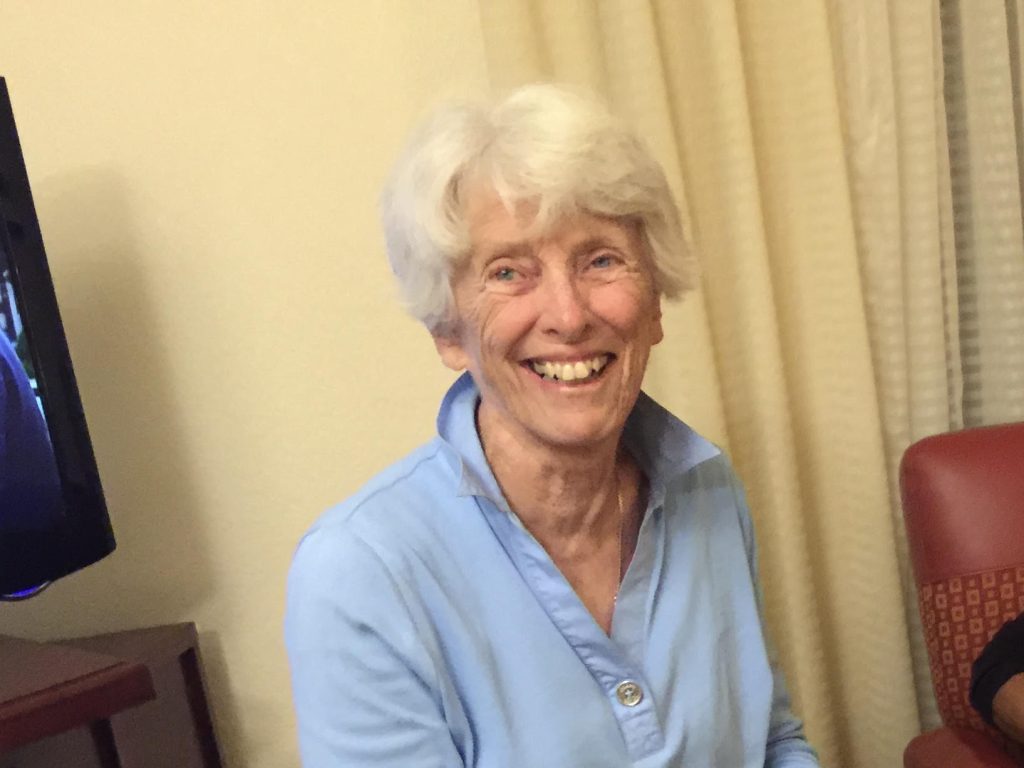
Let’s Celebrate Our June All Star – Jane Fluet!
Jane Fluet grew up in Elma, NY, over 80 years ago. She attended an elementary school that only had two rooms and three students, and all three of them graduated from college. She loved playing games outside with other kids. She felt like she lucked out because they had a red clay tennis court, and she was able to play tennis there. She started watching Wimbledon on a small black and white TV. Her cousin, Jack, lived in Toledo, Canada, and she would visit him during the summers, where he helped her tennis game by hitting with her and her brother.
When she started high school, she played basketball, which was one of the only sports for girls. They had six players on the court, but only three players on each end. One side played defense and the other played offense. Neither could cross the middle line. She also participated in water polo and cheered.
Then she went onto Courtland College and was able to play tennis. She went to other towns to play tennis; mostly with boys. They hit the ball harder and helped her develop her game.
Jane married and had two children, a son and a daughter, and they moved to Florida where Jane started playing a lot of tennis. She also started the first women’s soccer league and coached her kids in sports. Her tennis involvement was a lot like CALTA. She traveled to Arizona, and played many tournaments, but never won. She did receive the Sportsmanship award, which was voted on by her peers. This was her favorite award. She read “Friends of the Court” and this book made a big impact on her tennis. She believed that no drama was best for everyone.
Jane moved to Mt. Pleasant in 1999, where she captained the Seniors Leagues for many years. All of her players had deep respect for her. Teaching respect was ine thing that she was very proud of. She worked at Snee Farm for many years, and played out of there and Mt. Pleasant REC-MPR. She won many State Championships and Sectionals in 2015, then went to Surprise, Arizona for the Nationals where they ended up in third place.
She is still playing tennis at Snee Farm and is still winning over women many years younger than her age. Jane said her favorite shot was the last one to go over the net!
She loves playing bridge, working in her yard, and taking care of her dogs. She also travels to Colorado, Wyoming, and Minnesota to see her children and grand kids. They are all good athletes; probably because of Jane.
So if you see someone playing tennis in what we call her outfit a bee bonnet, that’s Jane. She’s not letting the sun give her wrinkles or skin cancer.

How to search for LCTA regulations (located on the LCTA website) on your mobile device
Should you need to find an LCTA Regulation when you’re not at your laptop, you can search on your mobile.
1. Go to the LCTAtennis.org (Homepage) and click on the Rules button.
2. Click on the appropriate set of LCTA Regulations.
3. Search for the appropriate term – example “inclement weather”.
Finding specific text inside a PDF document on a mobile device depends on whether the PDF opened directly inside your web browser or if it downloaded and opened in a separate PDF viewer app.
Here is how to use the “Find” function for both iPhone/iPad and Android devices:
Method 1: If the PDF is open directly in your mobile browser (Safari or Chrome)On iPhone / iPad (Safari)
- Look at the bottom of your screen and tap the Share button (the square icon with an arrow pointing up).
- Note: If you don’t see the bottom menu, scroll up slightly on the page.
- Scroll down the share menu and tap Find on Page (or Find…).
- Type the word or phrase you are looking for in the search bar that appears.
- Use the up and down arrows next to the search bar to jump between the highlighted results.
On Android or iPhone (Google Chrome)
- Tap the three vertical dots (menu button) in the top-right corner (or bottom-right corner on some iPhones).
- Tap Find in page.
- Type your search term into the box at the top of the screen. Use the up and down arrows to cycle through the matching text.
Method 2: If the PDF opened in a built-in PDF viewer or dedicated app Often, tapping a PDF link on a website will automatically download it or open it in your device’s native PDF viewer.
On Android (Google PDF Viewer / Drive / OneDrive)
- Tap anywhere on the screen to bring up the document controls.
- Look for a Magnifying Glass icon at the top of the screen and tap it. (If you don’t see it, tap the three dots in the top right corner and look for “Find” or “Search”).
- Type your word and press search.
On iPhone / iPad (Apple Books or Files App)
- Tap the center of the screen to make the menus appear.
- Tap the Magnifying Glass icon in the top right corner.
- Type the text you want to find and tap Search on your keyboard.